
12 Practical Things You Can Do With Google Gemini to Save Time Every Day
Google Gemini is often described as a powerful AI tool, but many people aren’t sure how it actually helps in daily life. The good news is that you don’t need to be a power user or creator to benefit from it.
Here are practical, real-world ways normal people use Google Gemini to save time, reduce effort, and get things done faster.
1. Turn Long Videos Into Clear Summaries
You can paste a YouTube or video link and ask Gemini to:
- Summarise the main points
- Extract key ideas
- Highlight actionable takeaways
This is perfect for tutorials, talks, or educational videos when you don’t have time to watch everything.
2. Convert Audio to Text
Gemini can transcribe:
- Meeting recordings
- Voice notes
- Interviews
Instead of replaying audio repeatedly, you get clean text you can skim or reuse.
3. Help You Learn Step by Step
If you’re learning something new, Gemini can:
- Explain concepts in simple terms
- Walk you through problems step by step
- Adjust explanations if you’re confused
This makes self-learning far less frustrating.
4. Create Quizzes for Self-Testing
You can ask Gemini to create:
- Practice quizzes
- Multiple-choice questions
- Quick tests on any topic
This is useful for learning, revision, or even teaching kids.
5. Summarise Documents and Notes
Paste long documents and ask Gemini to:
- Summarise them
- Extract key points
- Create bullet-point notes
Great for work documents, reports, or study material.
6. Help With Research (Without the Overload)
Gemini can:
- Research a topic
- Organise findings
- Present results clearly
Instead of dozens of tabs, you get structured information in one place.
7. Draft and Edit Written Content
You can use Gemini to:
- Improve clarity
- Rewrite text more professionally
- Shorten or simplify writing
Useful for emails, documents, and messages.
8. Generate Visual Content and Infographics
Gemini can help you:
- Structure content visually
- Create infographic ideas
- Organise information into clear layouts
This is useful for presentations and reports.
9. Help With Planning and Organisation
You can ask Gemini to:
- Create daily or weekly plans
- Break tasks into steps
- Suggest efficient workflows
It works well as a thinking partner.
10. Build Simple Web or App Concepts
Even without coding experience, Gemini can:
- Help draft basic layouts
- Explain logic in simple terms
- Suggest improvements
This is helpful for experimenting or learning.
11. Create Podcasts and Content Outlines
Gemini can:
- Turn notes into podcast outlines
- Structure talking points
- Help organise content flow
Perfect for creators or hobby projects.
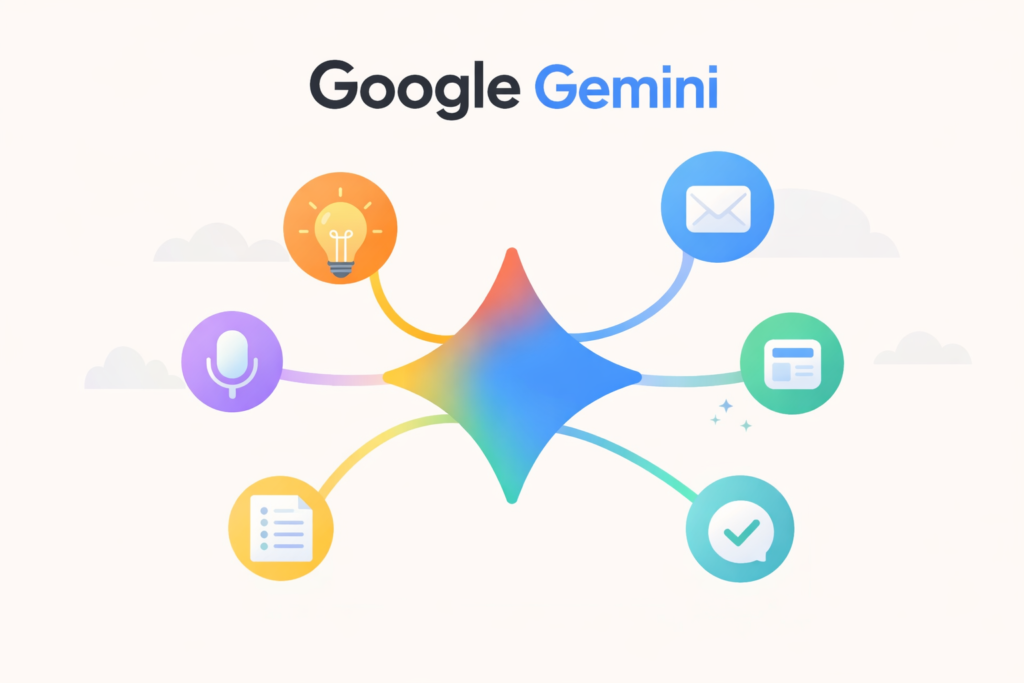
12. Work Across Google Apps
Gemini integrates well with:
- Docs
- Gmail
- Calendar
This allows you to draft, summarise, and plan without switching tools constantly.
Who Google Gemini Is Best For
Gemini works best if you:
- Prefer structured answers
- Work with documents and content
- Want AI assistance inside Google’s ecosystem
If you like simplicity and integration, it’s a strong option.
Final Thoughts
Google Gemini isn’t about doing “insane” things.
It’s about removing friction from everyday tasks.
Start with one use case. Build from there.
If you’re new to AI, start with our simple roadmap for learning AI before diving into tools.